Switch between Player and Creator workflows. Each slide shows what BloxMind receives, what it produces and what stays under your control.
Interactive feature tour
From prompt to useful result.
Free covers the core assistant. Plus expands Studio analysis and Sound Lab. Pro adds Animation Beta, Game Doctor, Fix Mode and deeper Project Knowledge.
FreeRemote game support
Add almost any public Roblox game.
Paste a game link, Place ID or Universe ID. BloxMind resolves the experience and makes the game available as explicit chat context.
BloxMind Studio uses your prompt and selected Studio context to choose the workflow that fits the output: visual effects, interface work, Roblox-native structures or multi-service systems. You still approve the preview before anything is added.
VFXParticles, aura layers, trails and impact effects.
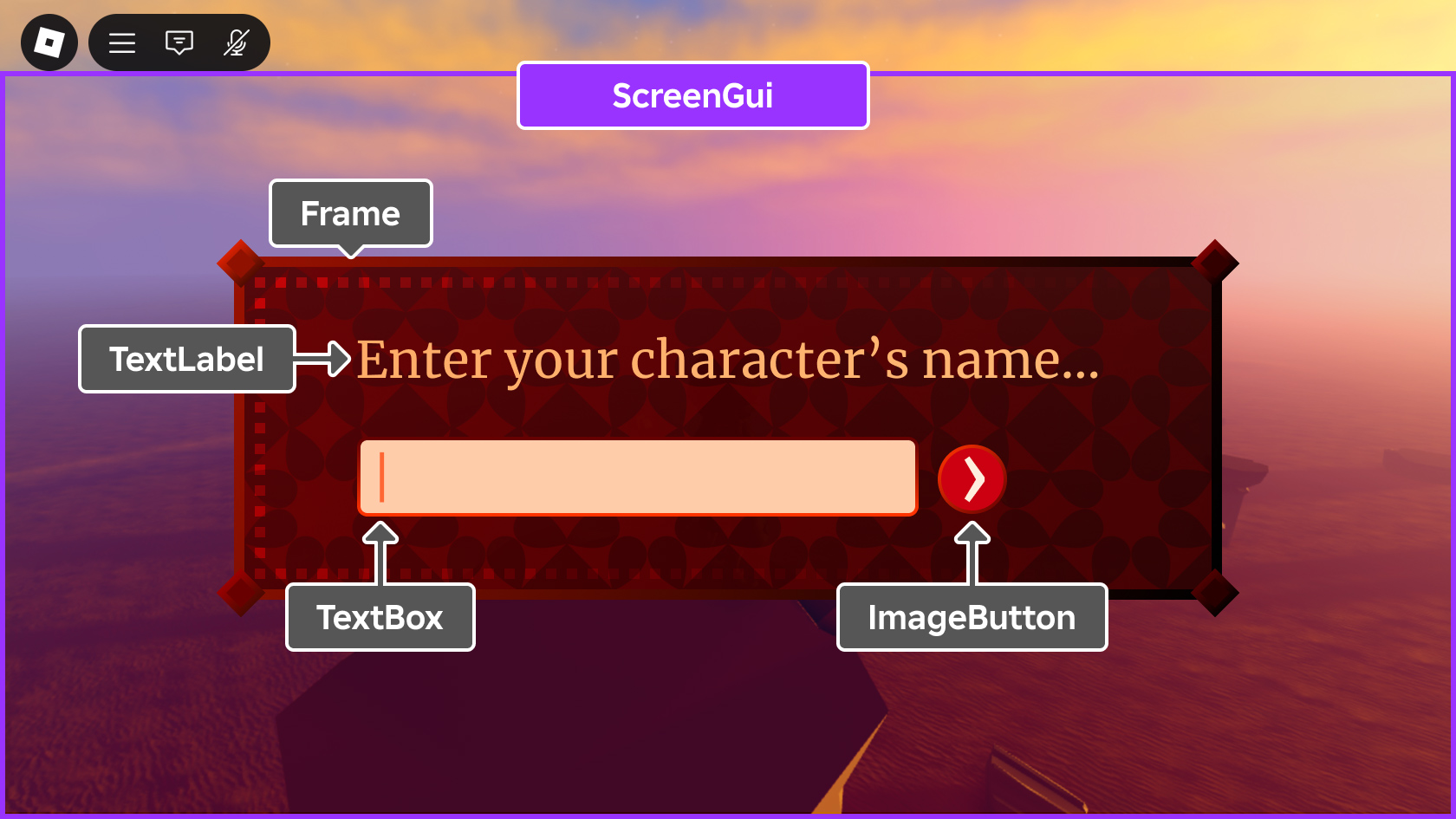
UIScreenGui layouts, controls and responsive interface structure.
SystemsServer, shared and client pieces placed where they belong.
FreeSystem Builder
Build systems across the right Roblox services.
System Builder turns one gameplay request into a maintainable structure instead of dumping everything into one script. Server authority, shared state and client behavior are separated before you review the result.
Sound Lab turns a natural-language sound brief into an original AI-generated game effect. Listen privately, regenerate if the feel is wrong, then download the MP3 for your Roblox workflow.
Deep energy charge builds with electric crackle, then lands in a heavy transformation impact with a short tail.
Generated previewTransformation Energy Charge
MP3
0:02 / 0:05
Private previewRegenerateDownload MP3
FreeRuntime SDK
Connect approved live-game events to BloxMind.
The optional Runtime SDK is for creator-owned experiences. You decide which server events are allowed to leave the game, and players still opt in before connected Goal progress is used.
Bring selected Studio context into focused reviews.
Pair the plugin once, then choose the source or Creator Project context BloxMind should use. Debug, Security, Optimize and Refactor stay focused on what you deliberately shared.
You select the source or project context that BloxMind is allowed to inspect.
CombatServiceSelected source
Paired
Focused review
Debug selected sourceSecurity + optimizeReview before changes
Pro · BetaAnimation Beta
Generate an editable first pass, then refine it.
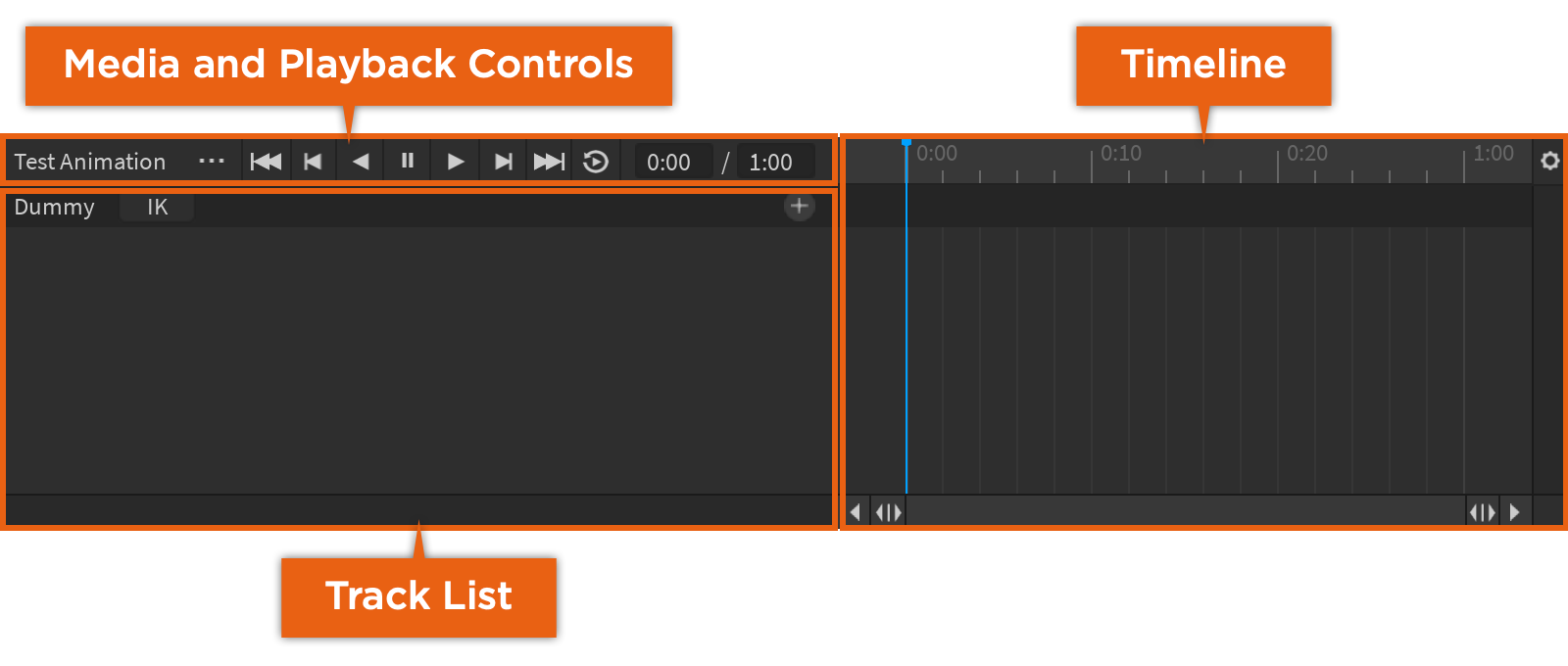
BloxMind reads the supported Motor6D joints on the selected rig, plans bounded keyframes and previews the motion locally. When you approve it, the result remains an editable Roblox KeyframeSequence.
Motion briefSlip → right cross → balanced recovery
ProGame Doctor + Fix Mode
Turn project evidence into prioritized fixes.
Game Doctor reviews the evidence you provide, ranks the findings by likely impact and explains the reasoning. Fix Mode then turns selected findings into changes you can inspect before acting on them.
First objective is unclearHigh impact · onboarding evidence
Reward cadence slowsMedium impact · progression
Fix Mode readyReview suggested actions before applying
ProProject Knowledge
Keep your project rules attached to deeper analysis.
Project Knowledge gives BloxMind a reusable view of the files, systems and constraints you deliberately provide, so creator answers stay consistent with your architecture instead of falling back to generic assumptions.